AI Music Video Generator is a focused web app for turning music into AI-generated music videos. Unlike broad AI video suites, it starts with the song: upload an MP3/WAV, import a Suno track, or import a Udio track, then generate visuals synchronized to the music.
AI Music Video Generator Review: Great for Song-to-Video, Narrow for Filmmaking
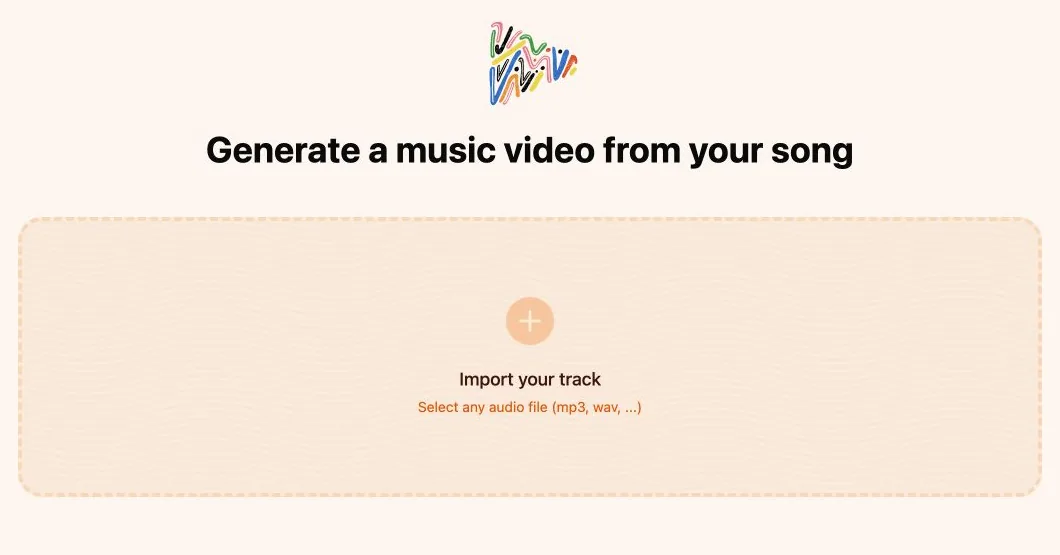
The main workflow starts with the track, which makes the product feel focused and fast if the song is already finished.
This is much more direct than most AI video tools. There is no complex dashboard before the first action: the product wants the user to provide a track first, then build the video around the music. That is good for musicians, but it also means you cannot inspect deeper generation controls without providing an audio file or song URL.
What I like is that the workflow is obvious right away. You can start from an MP3 or WAV upload, bring in a Suno or Udio song, and then move toward a synchronized music video instead of starting with a blank prompt box. The limitation is that the deeper editor and generation controls only become meaningful once you have a real track to work with.
I would treat it as a practical song-to-video utility rather than a full creative suite. It is useful when the music already exists and the job is to generate matching visuals. It is less useful when the project starts with story, characters, scenes, and a broader film structure.
AI Music Video Generator Features: Upload, Analyze, Sync, and Lip Sync
Upload MP3 or WAV
The primary workflow lets users import an audio file directly from the app. The upload screen is simple and focused: choose an MP3 or WAV track, then build the music video around that song.
AI Music Analysis
The product says it analyzes the soundtrack and generates videos that match the music. For an AI music video workflow, this is the core differentiator: the visual rhythm should follow the track instead of behaving like a generic prompt-to-video clip.
Suno to Music Video
AI Music Video Generator has a dedicated Suno import page. It lets users paste a public Suno song URL and includes a step-by-step guide for copying the song link.
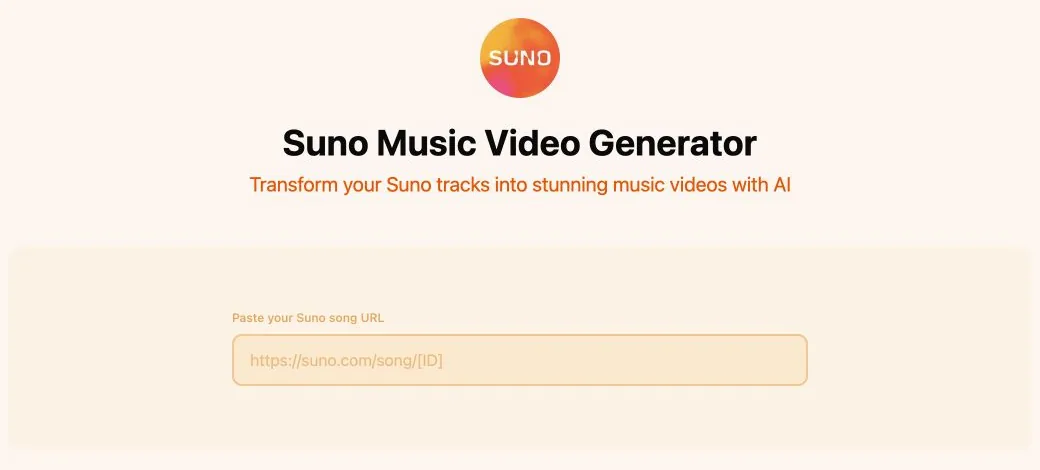
This is useful because many AI musicians already create songs in Suno and then need a visual workflow to publish on YouTube, TikTok, or Instagram.
Udio to Music Video
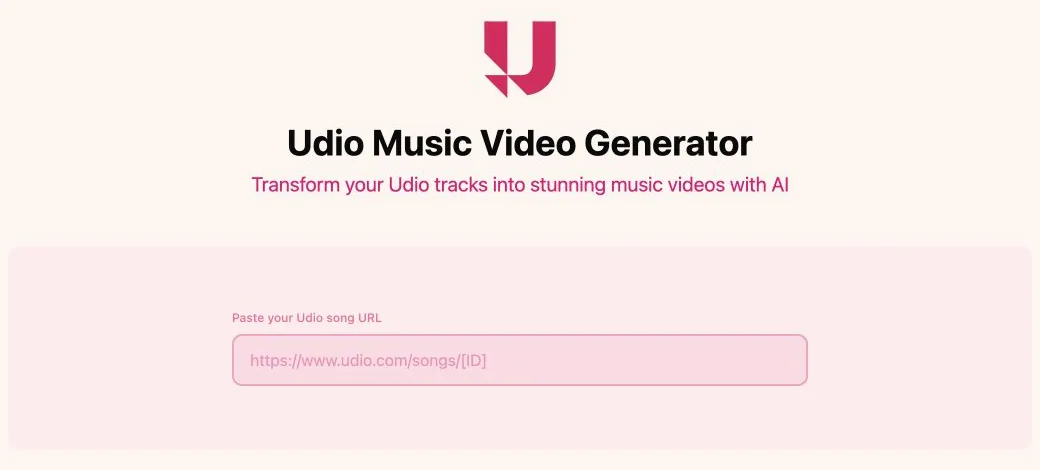
The Udio import page follows the same pattern: paste a public Udio song URL, then use the music video workflow.
Music Video Editor
The product positioning says that once a song is synchronized, users can edit the music video clip so it matches the track more closely. The deeper editor appears to sit after the music upload or import step, which makes sense for the workflow but gives less to evaluate before starting with a real track.
Consistent AI Artist and Lip Sync
The product overview describes a consistent AI Artist workflow using created or uploaded reference images for characters and scenes. It also describes music lip sync so the AI artist can appear to sing the right words at the right time.
What Could Be Better in AI Music Video Generator
The biggest limitation is transparency before starting. The upload and import paths are clear, but pricing, usage limits, generation controls, export options, and model selection are not explained in much detail before a project begins.
The Suno and Udio workflows also depend on public song URLs. That is convenient when you already publish tracks through those tools, but less flexible than a broader production workspace where songs, visuals, prompts, characters, and video assets can all live together from the start. As with any music video workflow, it is safest to use music you own or have permission to use.
AI Music Video Generator Alternative: Why Melies Can Be a Better Fit
AI Music Video Generator is best when the starting point is a finished song and the goal is to create a music video around it. It is highly specialized: import music, analyze the track, generate synchronized visuals, then edit and potentially add a consistent AI artist or lip sync.
Melies is stronger when the goal is an AI film or a broader creative project. Melies supports story development, scenes, AI actors, storyboards, posters, video clips, voices, music, sound effects, and production organization. If you are searching for an AI Music Video Generator alternative for full AI filmmaking, Melies is the better workspace. If you only need song-to-video conversion, AI Music Video Generator is more focused.
AI Music Video Generator FAQ: Pricing, Features, and Alternatives
What is AI Music Video Generator?
AI Music Video Generator is a browser-based tool for creating AI music videos from uploaded audio files, Suno song links, or Udio song links.
Can I use Suno songs with AI Music Video Generator?
Yes. The site has a dedicated Suno Music Video Generator page where users can paste a public Suno song URL.
Can I use Udio songs with AI Music Video Generator?
Yes. The site has a dedicated Udio Music Video Generator page where users can paste a public Udio song URL.
Is AI Music Video Generator free?
The app is accessible in the browser, but pricing and usage limits are not clearly listed before starting a project.
What is the best AI Music Video Generator alternative?
Melies is a strong AI Music Video Generator alternative if you need a full AI filmmaking workspace with story, scenes, actors, storyboards, prompts, voices, music, sound effects, and video generation. AI Music Video Generator is more specialized for song-to-video creation.