Krock.io is not primarily an AI video generator. It is a video review and creative collaboration platform for production teams, agencies, animation studios, and content teams. Its AI relevance comes mostly from Storyboard AI and AI tokens inside a broader workflow that includes media review, online proofing, audio annotation, animatics, project management, and integrations with editing tools.
My take: Krock is useful if your production problem is feedback, approval, storyboard collaboration, and client review. It is not the tool I would pick if the goal is to generate AI film shots from scratch.
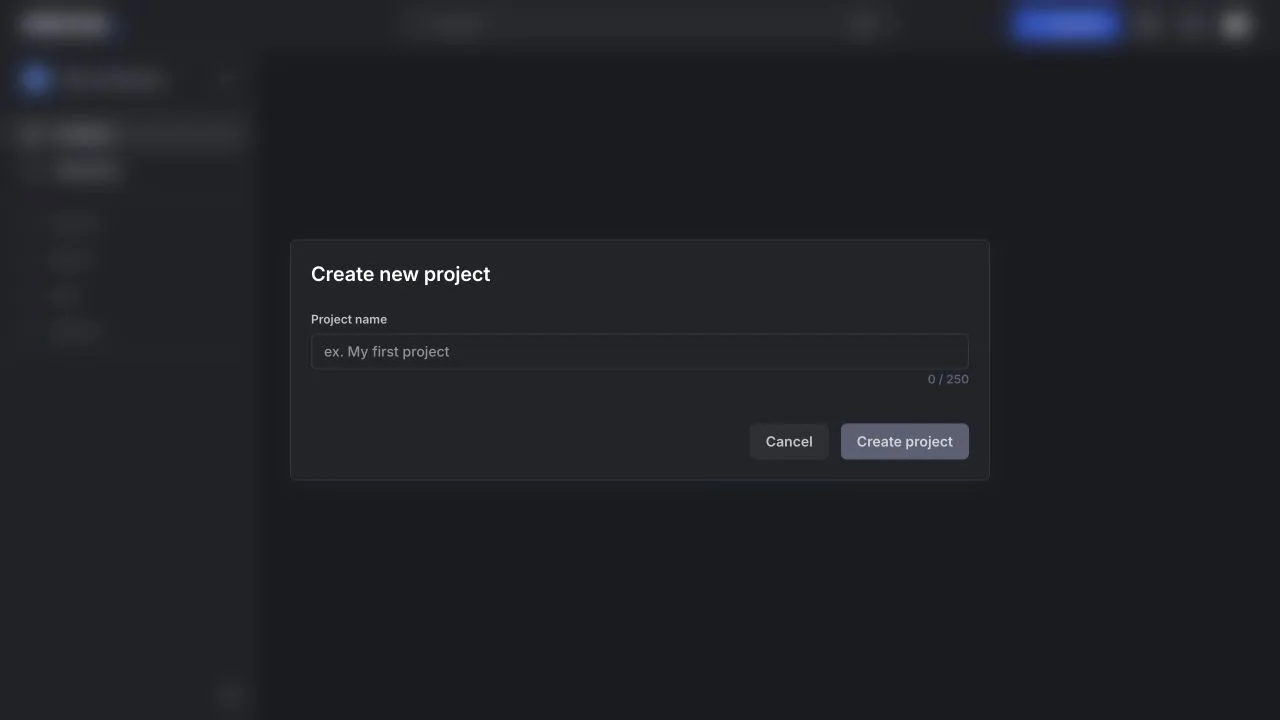
The logged-in workspace makes Krock's positioning clear: it starts from projects, workspaces, collaborators, and review structure before it gets into creative assets. That is helpful for teams that need an organized approval layer, but it also shows why Krock feels more like production management than an AI film creation studio.
Krock Review: Great Review Workflow, Not a Generative Film Studio
The best thing about Krock is that it is built around real production operations. Uploading media, collecting frame-accurate comments, comparing versions, sharing private links, and keeping review threads out of email is exactly the kind of workflow agencies and video teams need.
I also like that Krock does not charge every reviewer like a full team member. For client-heavy video work, unlimited reviewers can be a meaningful advantage over tools that become expensive as soon as more stakeholders need access.
Krock Features: Proofing, Storyboard AI, Project Management, and Integrations
Video Review and Proofing
Krock's core workflow is media approval. It supports comments, drawings, attachments, timecodes, status changes, version comparison, private links, password-protected shares, and review modes for video, images, audio, PDFs, and other creative assets.
Storyboard AI
Storyboard AI is the part that makes Krock relevant for AI film planning. The workflow is simple: add text, choose a style, and export a storyboard as a PDF. It is useful for early visual planning, especially when a team needs something shareable before production or animation starts.
Project Management and Integrations
Krock also includes project templates, workload and Gantt views, workspaces, asset management, calendar tools, and integrations. The DaVinci Resolve Studio, Adobe Creative Cloud, and Final Cut Pro workflows are especially relevant for editors because comments and markers can move closer to the tools where fixes actually happen.
Krock Pricing: Low-Cost Review Plans With AI Tokens Included
- Free: $0, 1 user, 2 GB storage, 1 workspace, 2 projects, 50 AI tokens, unlimited reviewers, media review, and storyboard tool.
- Pro: $10 per user, unlimited team size, from 2 TB storage, unlimited projects/workspaces, 4K playback, custom branding, and storage add-ons.
- Unlimited: enterprise plan from $400, unlimited users, unlimited collaborators/reviewers, projects, workspaces, and flat-rate team pricing.
The page also says Pro and Unlimited have a 7-day free trial, while the Free plan requires no credit card.
What Could Be Better
Krock is not a full AI filmmaking workspace. It helps teams plan, review, annotate, approve, and manage creative assets, but it does not cover the full path from story to AI actors, image prompts, voices, music, sound effects, and video generation.
Storyboard AI is useful, but the product is still more collaboration-first than generation-first. If you are a solo filmmaker trying to build scenes and generate shots, Krock may feel like a production review layer you would use later in the workflow.
Krock Alternative: Why Melies Can Be a Better Fit
Krock is better for media review, client feedback, approval workflows, project management, and storyboard collaboration. It belongs closer to production operations and creative review than generative model tooling.
Melies is better when the creator needs to develop and produce AI film assets: story, scenes, AI actors, storyboards, posters, prompts, voices, music, sound effects, and video generation. For users searching for a Krock alternative because they want AI filmmaking rather than review/proofing, Melies is the broader creative workspace.