LensGo is a lightweight AI creator suite for images, short videos, UGC ads, headshots, Flow Canvas experiments, and quick visual utilities. I would use it as a fast asset lab rather than as the main workspace for a narrative film.
My take: LensGo is easy to understand and useful for standalone visual assets. It becomes less convincing when a project needs scripts, scenes, recurring characters, shot planning, sound, music, and a clear production structure.
LensGo Review: Lightweight Creator Suite, Not a Film Production Workspace
LensGo feels built for creators and marketers who want to move quickly: generate a product image, try a short video, create a headshot, build a UGC-style ad, or use simple tools like background removal and upscaling. The product also advertises model access such as GPT Image 2, Flux, SDXL, Veo 3, Kling, and Runway-style video engines.
This makes LensGo closer to a lightweight AI creator suite than a film production workspace. It is useful when a creator wants to quickly generate standalone visual assets, UGC-style clips, product content, or social media visuals. It is less suited for managing a film project with scripts, scenes, actor continuity, shot lists, sound, music, and final video planning.
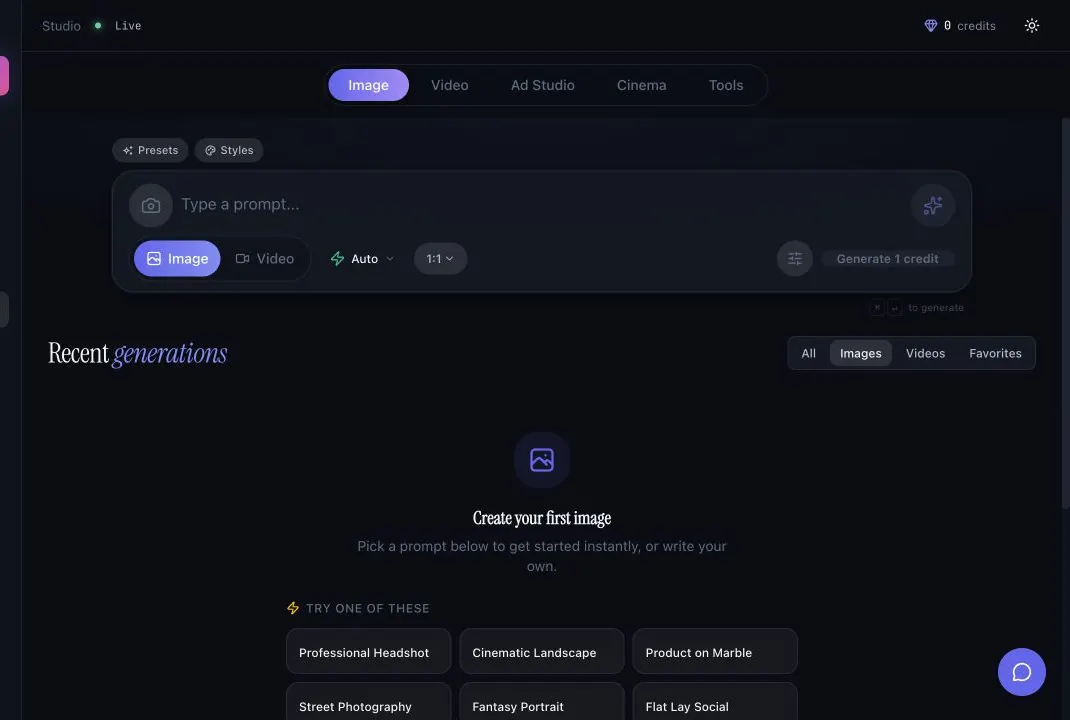
The Studio workspace is straightforward. The image tab gives you a prompt composer, image/video mode selector, model controls, recent generations, and prompt starters. It feels more like a quick creation surface than a heavy editor.
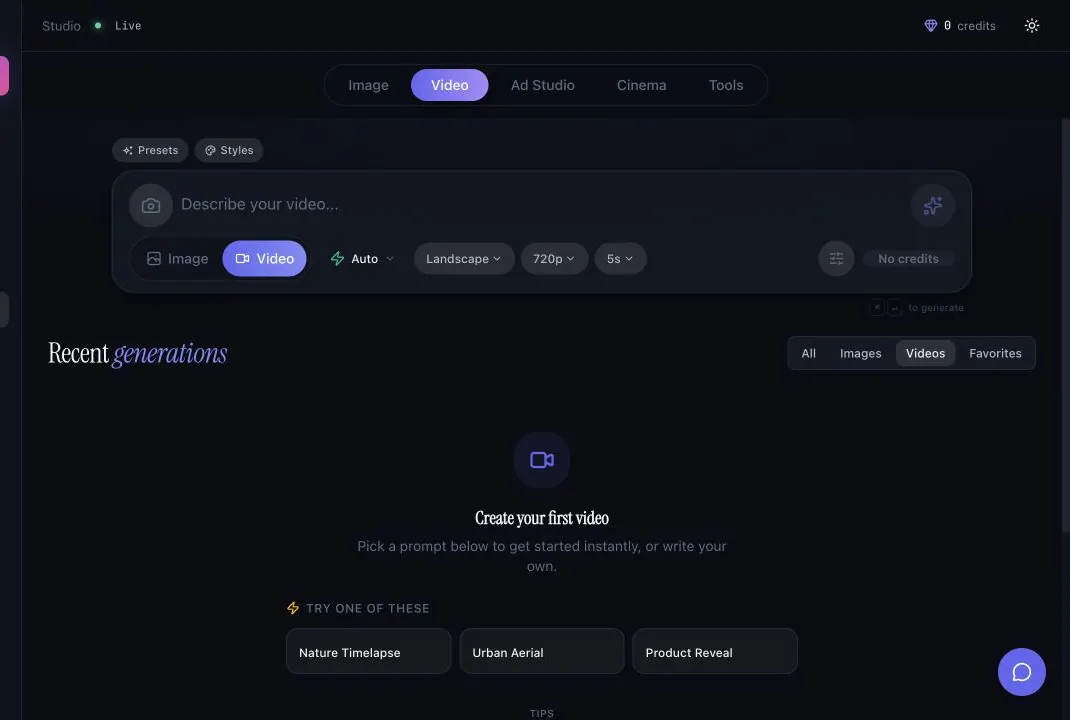
The video tab is similarly simple: prompt, mode, aspect ratio, resolution, duration, and generation state are all visible in one place. I like that because there is not much setup friction when all you need is a short clip.
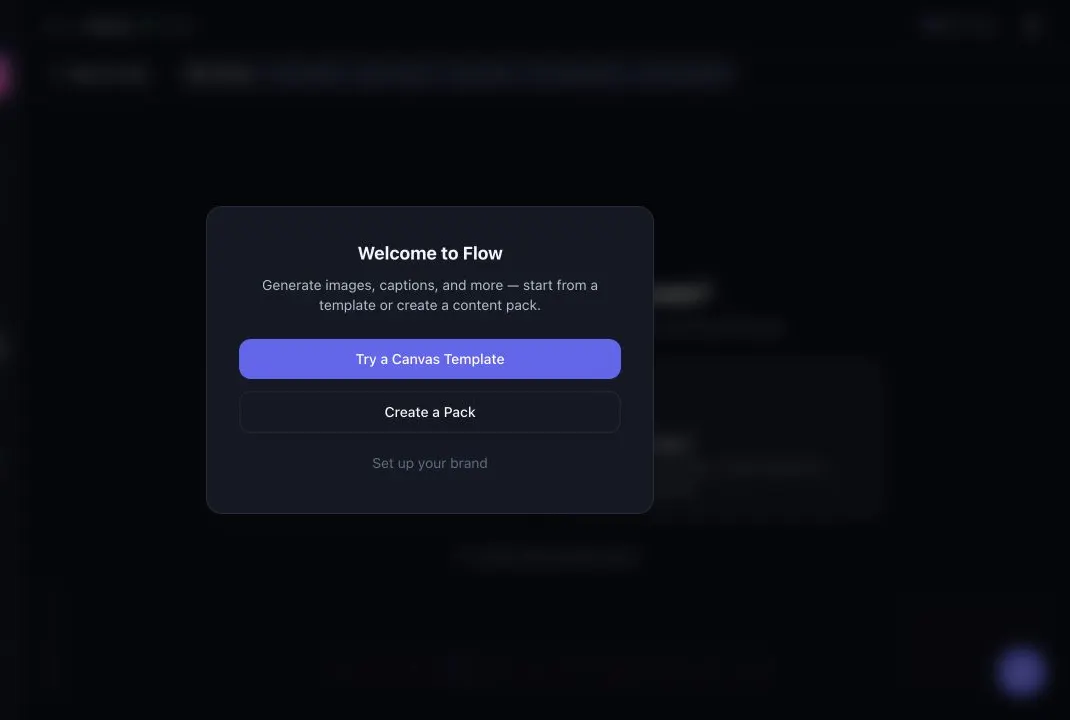
Flow Canvas is the most interesting workflow layer. It points toward packs, templates, brand setup, and repeatable content systems rather than only one-off generation. Still, the workflow is commercial/content-led, while Melies is more film-project-led.
LensGo Features for Filmmakers: What Stands Out
The useful LensGo features for filmmakers are mostly pre-production and marketing adjacent. Image generation can help explore locations, moods, character looks, product shots, or thumbnails. Video generation is useful for short motion tests. UGC Video and Ad Studio are more relevant for promotional content than narrative scenes.
The utility tools are practical too: upscaling, background removal, style transfer, magic eraser, face swap, photo enhancement, lip sync, image-to-video, and prompt starters. I would not build a whole short film here, but I can see LensGo being useful for fast visual iteration around a project.
For filmmakers, LensGo is most useful as a fast asset lab: ideation images, social visuals, simple videos, UGC-style promos, background removal, image enhancement, and maybe early character or location exploration. It is not a production manager for a film.
LensGo Pricing: Low-Cost Plans With Tight Monthly Credits
- Free: USD $0 forever, 3 credits per day, Studio images only, watermarked images, and standard resolution.
- Traveler: sale price USD $9.99/month, normally USD $14.99/month, 50 monthly credits, Studio access, no watermark, and HD resolution.
- Creator: sale price USD $19.99/month, normally USD $24.99/month, 100 monthly credits, Studio + Flow access, no watermark, HD resolution, and priority support.
- Studio: sale price USD $39.99/month, normally USD $59.99/month, 500 monthly credits, Studio + Flow access, 4K resolution, API access, and priority chat support.
The credit system is simple enough to understand, but the monthly limits are tight if you iterate heavily. A few video experiments can use credits much faster than image generation, so I would treat the lower tiers as testing plans rather than serious production capacity.
What I Like About LensGo
I like LensGo because it does not feel overcomplicated. The Studio tabs, prompt starters, image/video switch, UGC tools, and Flow Canvas make it approachable for creators who want output quickly.
I also like the mix of generation and cleanup tools. Being able to generate, enhance, remove backgrounds, and create quick commercial-style content in the same product is convenient for social posts, pitch materials, thumbnails, and lightweight campaign assets.
What Could Be Better
LensGo is broad, but not very film-structured. I did not see the kind of project hierarchy a filmmaker usually needs: scripts, scenes, cast, character continuity, storyboard boards, shot lists, sound planning, and final video organization.
The credit model is also something to watch. The free plan is useful for light image testing, but video and Flow workflows can quickly push a creator toward paid credits.
LensGo Alternative: Why Melies Can Be a Better Fit
LensGo is better when the job is quick standalone asset creation: AI images, short videos, UGC ads, social visuals, upscaling, background removal, and content-pack experiments.
Melies is better when the job is building an AI film project. Melies connects scripts, scenes, AI actors, storyboards, prompts, voices, music, sound effects, posters, and video generation in a filmmaker-first workspace.
For someone searching for a LensGo alternative, the main distinction is organization. LensGo helps generate assets. Melies helps organize those assets into a story.
LensGo FAQ: Pricing, Features, and Alternatives
What can LensGo generate?
The products advertise image generation, video generation, UGC video ads, AI headshots, Flow Canvas, travel images, background removal, style transfer, upscaling, lip sync, image-to-video, face swap, photo enhancement, and other visual tools.
How much does LensGo cost?
LensGo lists a Free plan at USD $0, Traveler at USD $9.99/month on sale, Creator at USD $19.99/month on sale, and Studio at USD $39.99/month on sale.
Is LensGo good for AI filmmaking?
LensGo is useful for creating standalone images, short videos, UGC clips, and visual experiments. It is not a full AI filmmaking workspace with scripts, scenes, storyboards, actors, voices, music, sound effects, posters, and organized video outputs.
What is the best LensGo alternative?
Melies is a strong LensGo alternative for AI filmmakers who need structured production rather than a broad creator asset studio.